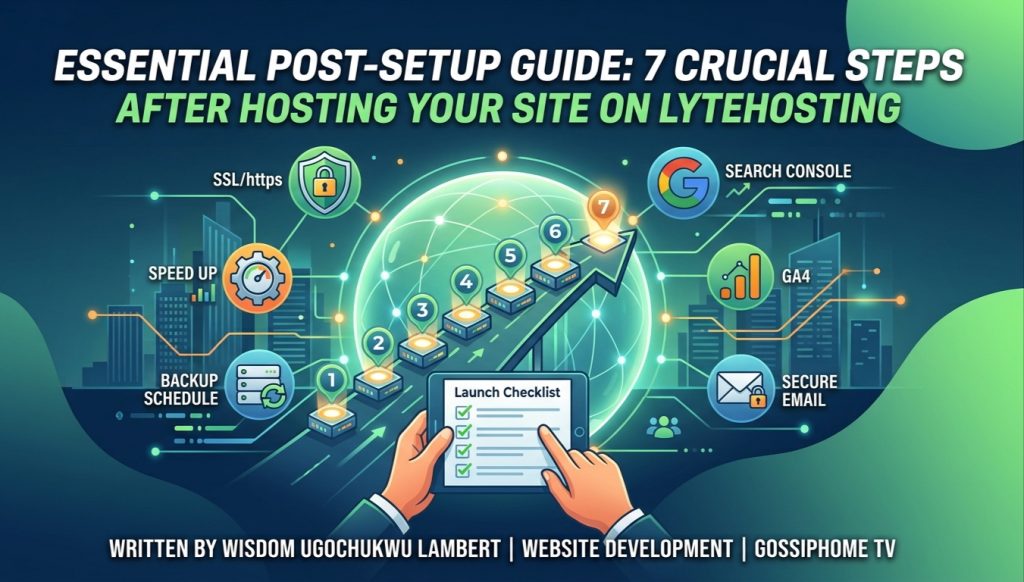

Essential Post-Setup Guide: 7 Crucial Steps After Hosting Your Site on LyteHosting
By Wisdom Ugochukwu Lambert
Congratulations! If You’ve successfully registered your domain, chosen a hosting plan, and launched your website on LyteHosting. Getting your site live is a major milestone, but the work doesn’t end there.
To ensure your newly hosted site runs securely, loads quickly, and attracts organic traffic from search engines, there are several essential post-launch tasks you must complete.
In this follow-up guide, we explore the top 7 critical steps every site owner should take immediately after setting up their site on LyteHosting.
1. Force HTTPS and Enable SSL Redirection
While LyteHosting provides free AutoSSL certificates, installing the certificate isn’t always enough—you need to ensure visitors are automatically routed to the secure version of your site.
-
For WordPress Users: Install a plugin like Really Simple SSL or update your WordPress Address and Site Address in Settings > General from
http://tohttps://. -
Via cPanel (.htaccess): Access your File Manager in cPanel, open the
.htaccessfile insidepublic_html, and add a standard HTTPS rewrite rule to force all HTTP traffic onto HTTPS automatically.
2. Set Up Automatic Site Backups
Never rely solely on manual updates. If a plugin conflict or code edit breaks your site, having a recent backup ensures you can restore everything in minutes.
-
Log in to cPanel and locate the Backup Wizard or JetBackup tool.
-
Schedule automated weekly or daily backups for both your website files (
public_html) and MySQL databases. -
Download a full offsite copy to your cloud storage (e.g., Google Drive or Dropbox) for added peace of mind.
3. Optimize Site Speed & Performance
Fast-loading websites deliver better user experiences and rank higher on search engines.
-
Enable Caching: If using WordPress, install lightweight caching plugins such as LiteSpeed Cache or WP Super Cache.
-
Compress Images: Reduce file sizes before uploading images using tools like TinyPNG, or set up an auto-compression plugin to convert images to WebP format.
-
Enable GZIP Compression: Turn on Optimize Website inside cPanel to compress your site’s assets before delivering them to visitors’ browsers.
4. Connect Google Search Console & Analytics
To grow your audience, you need actionable insights about who is visiting your site and how they found you.
-
Google Search Console: Submit your site’s XML sitemap (e.g.,
[yourdomain.com/sitemap.xml](https://yourdomain.com/sitemap.xml)) to help Google index your pages accurately. -
Google Analytics 4 (GA4): Create a GA4 property and insert the tracking tag into your site’s header to monitor real-time traffic, user engagement, and traffic sources.
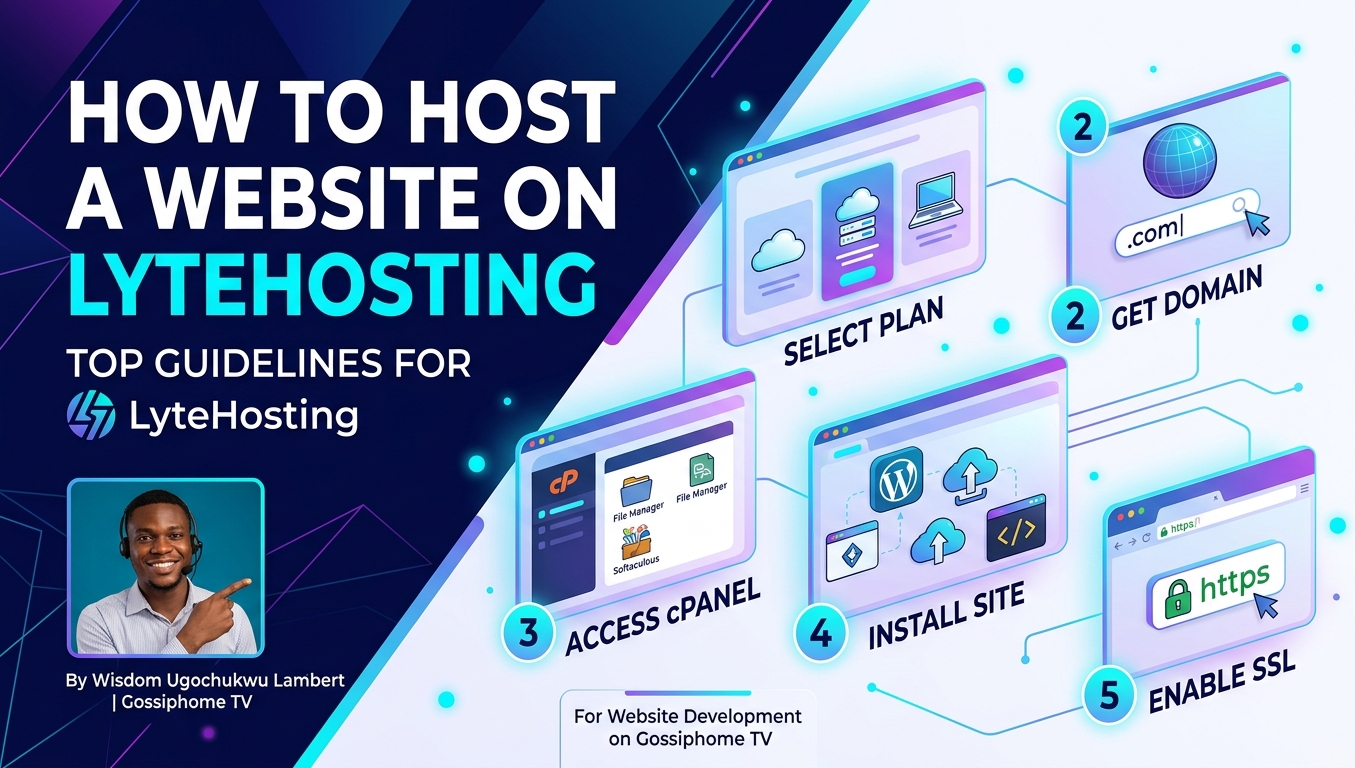
READ ALSO: How To Host Website on LyteHosting: Top Guidelines for Beginners
5. Implement Essential Security Measures
Protecting your server space against brute-force attacks and malware is vital from day one.
-
Change Default Credentials: Never leave default usernames like
adminon WordPress or generic database table prefixes. -
Limit Login Attempts: Install security tools (such as Wordfence or iThemes Security) to block IP addresses after multiple failed login attempts.
-
Update Everything Regularly: Keep your CMS core, plugins, and PHP versions updated directly within cPanel or your site dashboard.
6. Test Website Contact Forms & Custom Emails
Ensure all communication channels on your site are fully functional before promoting your link:
-
Send a test message through your website’s contact form.
-
Check if the submission arrives in your newly created custom email inbox (e.g.,
info@yourdomain.com). -
Set up DKIM and SPF records inside cPanel’s Email Deliverability tool to prevent your outgoing messages from landing in recipients’ spam folders.
7. Audit Your Site for Broken Links & Mobile Responsiveness
Before broadcasting your launch on social media or running ads:
-
Open your site on various smartphones, tablets, and desktop browsers to verify that layouts render correctly.
-
Click through every menu item, button, and footer link to confirm there are no
404 Not Founderrors.
Final Thoughts from Gossiphome TV
Building a successful online presence is an ongoing journey. By taking these essential post-hosting steps on LyteHosting, you establish a solid, secure, and high-performing digital foundation.
Have questions about post-launch optimization or server configurations? Reach out to Wisdom Ugochukwu Lambert and the Gossiphome TV tech team for more actionable insights and tutorials!